Understanding TradingView: A Comprehensive Overview
In the fast-paced world of financial markets, having the right tools can make all the difference. TradingView stands out as a powerful platform designed to cater to traders and investors alike, transforming complex market data into actionable insights. With its rich array of features that include social trading, advanced charting options, and comprehensive market research tools, TradingView's impact on how individuals engage with financial markets can hardly be overstated. This article delves deep into the multifaceted functionalities of TradingView, providing you with the essential knowledge to leverage this platform effectively.
What is TradingView and Its Core Features?
TradingView is a sophisticated web-based platform that offers a blend of technical analysis tools and social networking capabilities. Designed for traders of all skill levels, it serves as a hub where users can chart, analyze, and discuss various market movements across multiple asset classes including stocks, forex, cryptocurrencies, and derivatives.
- Advanced Charting Tools: The platform's charting capabilities enable users to view price movements in real-time, utilize an assortment of indicators, and apply custom technical analysis.
- Social Networking Features: Beyond just charts, TradingView acts as a social network for traders where users can share their market insights, strategies, and even broker ideas.
- Extensive Market Coverage: Traders can access a wide range of financial instruments, including major indices, currencies, and commodities.
- Custom Alerts: Users can create alerts based on specific price levels or indicators, ensuring they never miss critical market movements.
- Pine Script: This built-in scripting language allows users to create custom indicators and strategies, enhancing the platform's functionality.
How TradingView Transforms Market Analysis
TradingView is not just about viewing charts; it revolutionizes how market analysis is conducted. By integrating a comprehensive suite of tools into a single platform, it eliminates the need for multiple trading applications, streamlining the research process.
For instance, users can analyze historical data to backtest strategies and optimize their trading methodologies. This clear, systematic approach to data analysis enables traders to focus on developing consistent, repeatable strategies rather than chasing fleeting market opportunities.
Exploring the User-Friendly Interface of TradingView
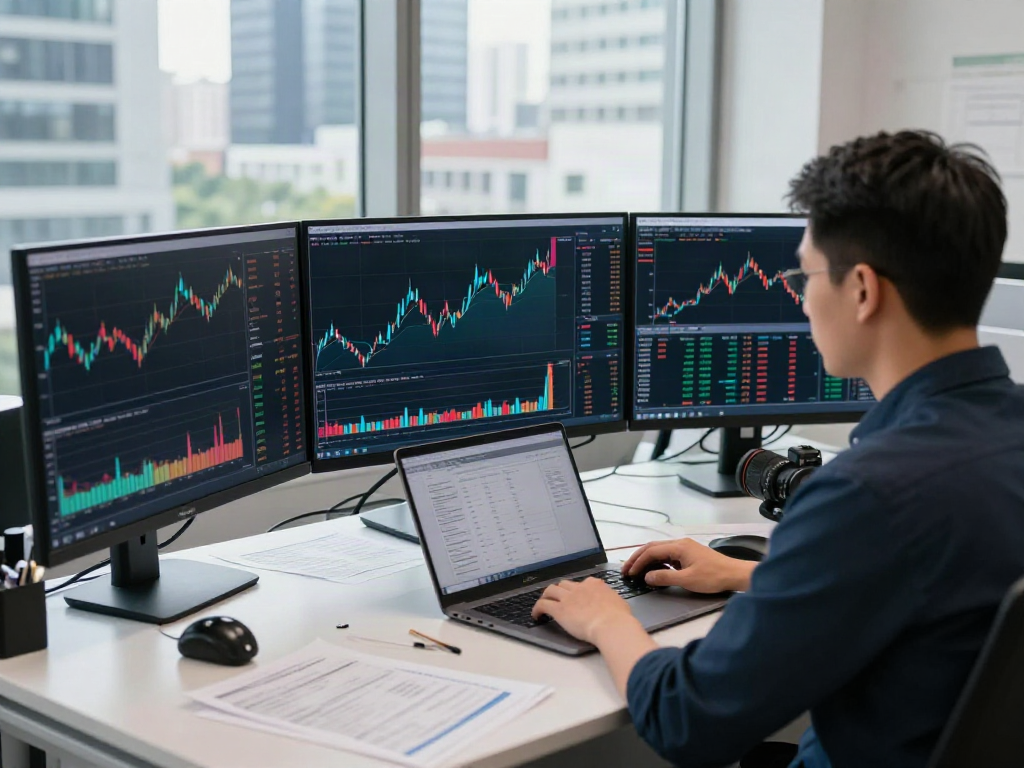
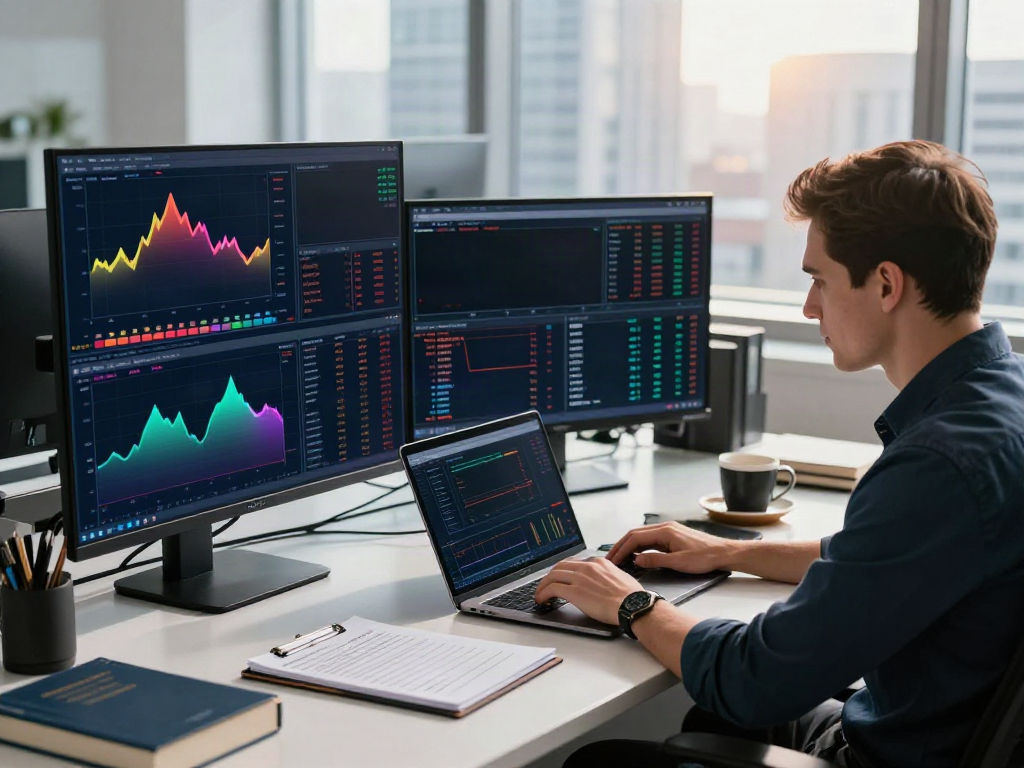
The intuitive and customizable interface of TradingView allows users to tailor their trading environment according to their preferences. By offering a drag-and-drop feature for chart layouts, multi-monitor support, and a rich set of drawing tools, TradingView enhances both the user experience and efficiency. Furthermore, mobile apps for iOS and Android ensure that traders can access their accounts and charts on the go, keeping them connected to the market at all times.
Setting Up Your TradingView Account
How to Create a TradingView Account
Creating a TradingView account is a straightforward process. Users can sign up for free, providing basic details to gain access to a suite of foundational tools. For those looking to delve deeper into advanced features, various subscription plans are available.
Choosing the Right Subscription Plan for Your Needs
TradingView offers several subscription tiers, each designed to cater to different types of traders. The free plan includes core functionalities, while the Pro and Premium plans offer enhanced features like additional chart layouts, increased alert limits, and the ability to access the platform without ads. Users should evaluate their trading frequency and requirements to select the plan that best suits their needs.
Customizing Your TradingView Workspace for Efficiency
Maximizing the effectiveness of TradingView requires users to customize their workspace. This includes selecting preferred chart layouts, setting up toolbars, and choosing which indicators and studies to feature prominently. By organizing their workspace, traders can quickly access the information they need, improving their response times during trading sessions.
Essential Tools for Trading on TradingView
Leveraging TradingView's Charting Tools
The robust charting capabilities of TradingView are among its flagship features. Users can select from a variety of chart types, including candlestick, line, and Renko charts, to suit their specific analysis preferences. The platform also allows users to apply diverse technical indicators, ranging from simple moving averages to complex oscillators, helping them to spot trends and market signals effectively.
Utilizing Custom Alerts and Notifications
One of the standout features of TradingView is its custom alert system. Traders can set notifications for specific price levels, indicator conditions, or even news events, allowing them to stay updated without constantly monitoring the markets. This feature is invaluable for day traders or those managing multiple assets simultaneously, as it allows for quick and informed decision-making.
Integrating Social Trading Features for Insights
The community aspect of TradingView is a game changer. Traders can follow other users, share ideas, and participate in discussions, gaining insights that might not have been considered otherwise. This collaborative environment fosters learning and allows traders to hone their skills through interaction with both novice and expert traders.
Strategies for Effective Market Research with TradingView
Building Your Custom Watchlist for Performance Monitoring
A well-constructed watchlist is essential for effective trading. Traders can utilize TradingView’s watchlist feature to monitor specific stocks or assets, track performance, and set alerts for significant changes. This targeted approach allows users to focus on the instruments that matter most to their strategies.
Conducting Technical Analysis with Indicators on TradingView
Technical analysis is foundational for many traders, and TradingView provides a wealth of tools to conduct detailed analysis. By layering indicators, such as Bollinger Bands or MACD, traders can better identify potential entry and exit points, as well as assess market momentum.
Strategies for Backtesting and Simulations Using TradingView
Backtesting is crucial for validating trading strategies before applying them in real markets. TradingView's Strategy Tester enables traders to test their strategies against historical data, measuring how their theoretical trades would have performed. This feature is vital for fine-tuning trading tactics and ensuring they are sound before risking capital.
Future Trends in Trading with TradingView in 2026
Innovative Features Coming to TradingView
As the trading landscape evolves, so does TradingView. Looking towards 2026, there are indications that the platform will continue to innovate by integrating AI-driven features. These could include predictive analytics tools or enhanced algorithmic trading capabilities, enabling traders to gain an edge in their market analysis.
Adapting to Market Changes with TradingView Insights
The dynamic nature of financial markets requires traders to adapt quickly. TradingView’s regular updates and feature expansions ensure that users remain equipped with the latest tools and insights. By staying informed about new functionalities, traders can optimize their strategies in line with current market conditions.
The Role of AI in Future Trading Strategies on TradingView
Artificial Intelligence is likely to play a significant role in shaping the future of trading strategies. TradingView is expected to leverage AI for enhanced data analytics, automating trading processes, and providing personalized trading insights. This could lead to more efficient trading strategies and potentially higher success rates for users.
Is TradingView really free?
Yes, TradingView offers a free version that provides access to a range of fundamental features, making it accessible for both novice and experienced traders. However, premium features that provide advanced charting tools and increased alerts become available only through paid subscriptions.
What are the advantages of using TradingView for trading?
TradingView not only combines powerful charting and analysis tools but also incorporates social networking features that enhance the trading experience. Users benefit from real-time data, a collaborative community, and the ability to customize their research workflows, making TradingView an attractive option for traders.
Can TradingView be used for all asset classes?
Absolutely. TradingView supports a multitude of asset classes including stocks, forex, cryptocurrencies, and commodities, making it a versatile choice for traders looking to engage with various markets.
How does TradingView compare to other trading platforms?
When compared to other trading platforms, TradingView offers a unique combination of analytical tools and social features that many competitors lack. Its user-friendly interface and extensive community engagement set it apart as a leading choice for traders worldwide.
What are the best practices for utilizing TradingView effectively?
To fully leverage TradingView, users should familiarize themselves with all available tools and features, continuously engage with the community for insights, and actively maintain and adjust their watchlists. Regular backtesting of strategies and utilizing alerts can also significantly enhance trading effectiveness.